Orange Operator Portal
For Orange Operator Portal

Think To Share
You think, we share
- Industry
Financial & Payments  Time & Budget
Undisclosed
About Orange Operator Portal
To solve this complex challenge, we came up with a solution of creating a universal operator portal with a primary dashboard that is unified throughout all the variables and elements. We brought together every variable and data regarding the operations of this celebrated publishing company so that they could have a look at each and every data in a single place.
The result is a dashboard that is not only very simple and helps you look at all the important bits of data in a place but also very complete and does not miss out or compromise on any data.
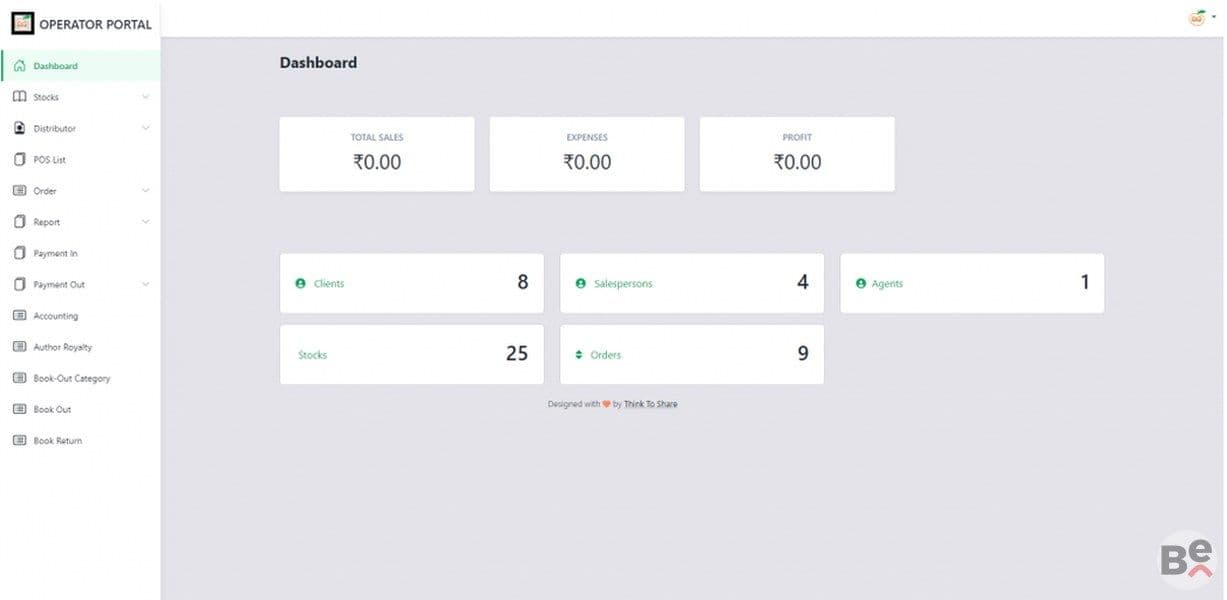
This operator portal has a primary dashboard along with an all-inclusive hamburger menu that will let the publishers access different areas. The operator can simply have a glance at an overall status directly from the dashboard and if they need additional details then they can click on individual sections like Clients and Stocks and it will lead them to that subsection. Additionally, the dashboard is followed by this hamburger menu that contains everything from the stocks to the accounting information and much more. Check out all these individual areas. These areas are.
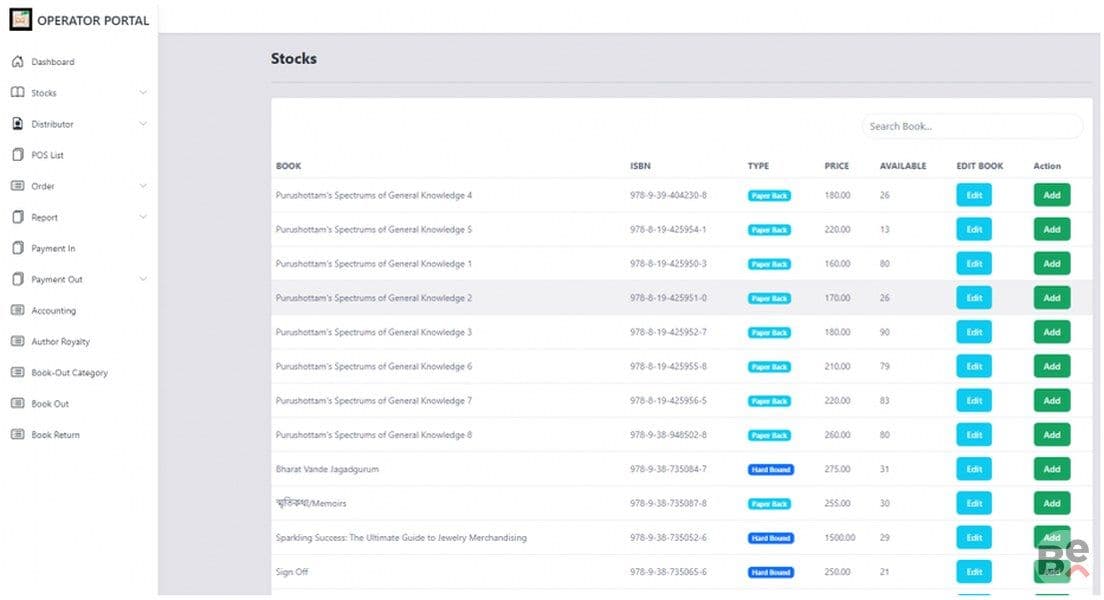
The Stocks menu primarily has three subsections starting with the Stocks List which simply contains the availability information.
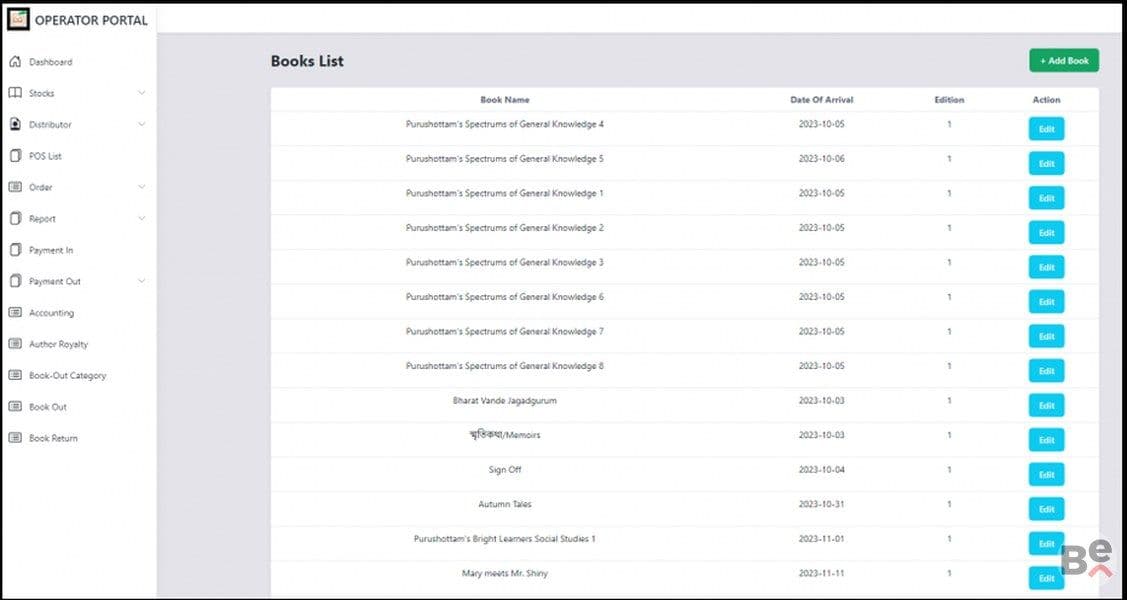
This is followed by the books list and it contains a general overview of all the books currently on sale at Orange Publishers.
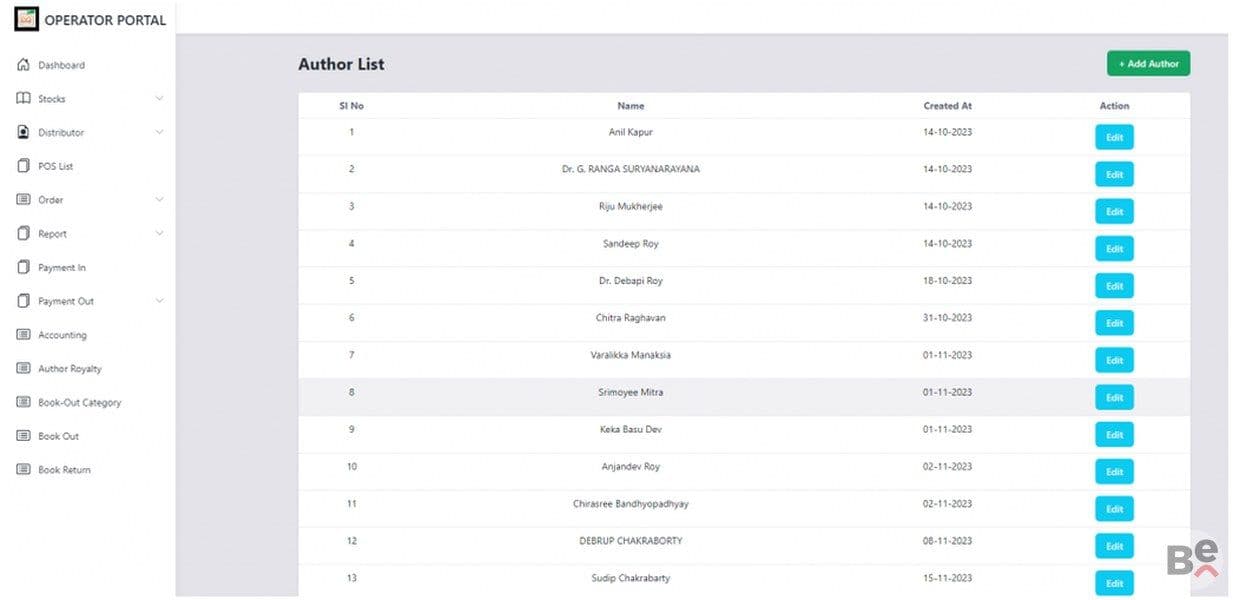
This is followed by the section for the Authors List. This provides an overview of all the authors at Orange Publishers and helps the admins take a look at author details at a glance.
The Stock section is tied together with all the other sections of the operator portal and real-time change takes place in the stock section whenever there is any change in any other section.
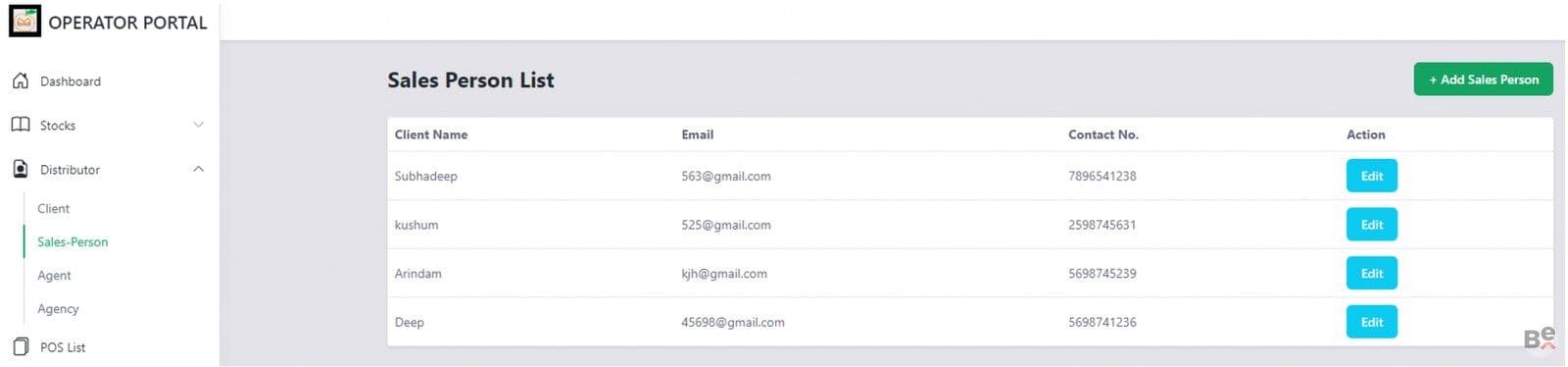
The distributor section contains four subsections which include a section for the Client List as well as the Sales Person List as well as the Agent List, which is not to be confused with the fourth section called the Agency List.
Then we come to the section for the POS list and this is one of the most important sections in this entire operator portal. This POS list contains the Point Of Sale for every book and the numbers corresponding to that sale.
Additionally, there is a subsection dedicated towards Royalty Percentage because it varies depending on where a book is sold. This section is tied to the Author Royalty section along with other sections in this portal.
Since Orange is not your ordinary publishing company and has been one of the premier names in publishing for the last three decades, we decided on two subsections for the section on orders.
The first section is about Institutional Orders and contains orders from institutions like schools and other organisations.
The Payment In section is basically the credit column of this Operator Portal and simply contains a list of payments received or yet to be received.
Likewise, the Payment Out section would be the debit column in a traditional ledger. The portal operator can look at its subsections to find out the different areas where money is debited.
The accounting section contains a list of clients as well as a date range.
Likewise, the Author Royalty section contains the amounts that have been credited to the authors as royalty and this section is directly tied to the POS section.
This is followed by the Book Out Category which contains a list of just the number of books that are out and the purpose of the books being out. Book out simply means that a book has left the warehouse to its destination along with details of the purpose.
The book out section also serves a similar purpose and helps the operator take a look at the books that have been sent out.
Now we arrive at the Book Returns section this was one of the most fun and challenging sections to do because a book return is a complex process. This is because a book return entry simply needs to work with every other section which includes the Orders section as well as the Payment In and Out section and also the Accounting and every other section. That is exactly what we did with this digital operator portal.